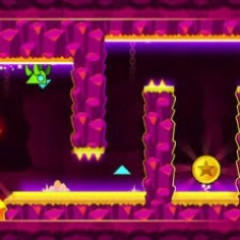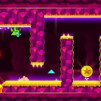
Geometry Dash is a rhythm-driven 2D platformer where you guide a forward-moving cube across obstacle courses synced to an electronic soundtrack. Every stage pairs ground spikes, elevated platforms, and shifting hazards with musical beats, requiring exact jump timing from start to finish. Touching a single hazard destroys your cube immediately and resets the attempt back to the beginning of the level.
The interface organizes every feature across 4 primary menu tabs: Play, Levels, Search, and Settings. Opening Settings lets you adjust audio and display preferences before entering a run, while Play launches the core stage progression immediately.
Controlling the cube requires only 1 input button—tapping the screen, clicking the mouse, or pressing the jump key—but input duration changes how your character moves:
Players looking to study specific stage layouts and hazard pacing can browse dedicated stage breakdowns inside our Geometry Dash levels hub.
Geometry Dash splits its playable content into 2 distinct level libraries so newcomers and experienced players can choose an appropriate difficulty curve.
| Level Category | How to Access | Difficulty & Design Focus |
|---|---|---|
| Official Levels | Main Play menu | Structured progression that introduces spikes, platforms, and moving objects step by step. |
| User-Generated Levels | Levels & Search tabs | Community-built library spanning straightforward runs to extreme precision courses. |
Starting with Official Levels teaches you how each hazard behaves at manageable speeds before you enter custom stages. Once you build consistent jump timing, the Search tab opens thousands of community tracks with unpredictable trap combinations. If you want a streamlined entry point into official rhythm stages, try Geometry Dash Lite or test winter-themed obstacle sets in Geometry Dash SubZero.
Clearing longer stages in one unbroken run takes repetition, so the game includes a dedicated Practice Mode for isolating tough sections. Practicing difficult segments lets you memorize moving object patterns and refine your hold-to-jump transitions before attempting a full standard clear.
Completing levels and side objectives feeds into a cosmetic customization loop across 3 reward types:
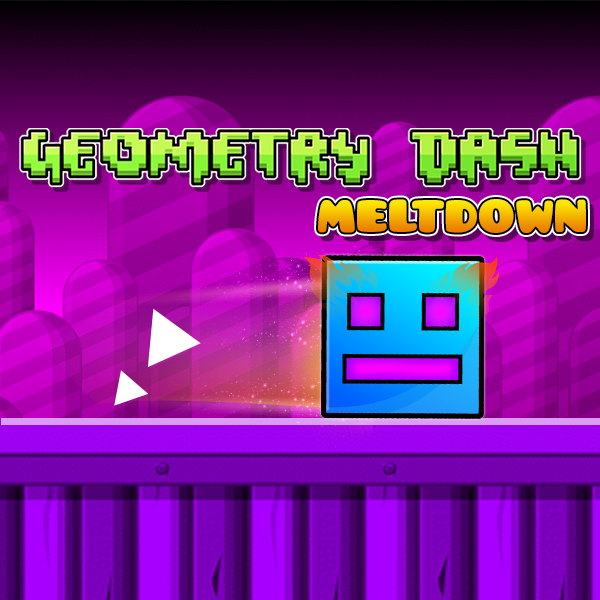
Geometry Dash delivers tight input response, clear visual contrast between safe platforms and hazards, and deep replay value through user-generated levels and icon unlocks. On the other hand, single-hit resets in standard mode punish minor timing errors harshly, and community stages often introduce sudden moving traps that require multiple Practice Mode runs to memorize. For additional beat-matched stages with distinct soundtrack themes, switch over to Geometry Dash Meltdown.
No. Practice Mode lets you rehearse difficult sections and learn moving obstacle patterns, but you must finish a stage in normal mode to earn official stars, coins, and achievements.
Clear stages to collect stars, level coins, and achievement rewards, then open the Shop and Profile menus to spend your earned in-game currency on new icons and colors.
A single tap triggers one standard hop over ground spikes, whereas holding the input keeps your cube jumping automatically upon landing so you can clear stepped platforms smoothly.